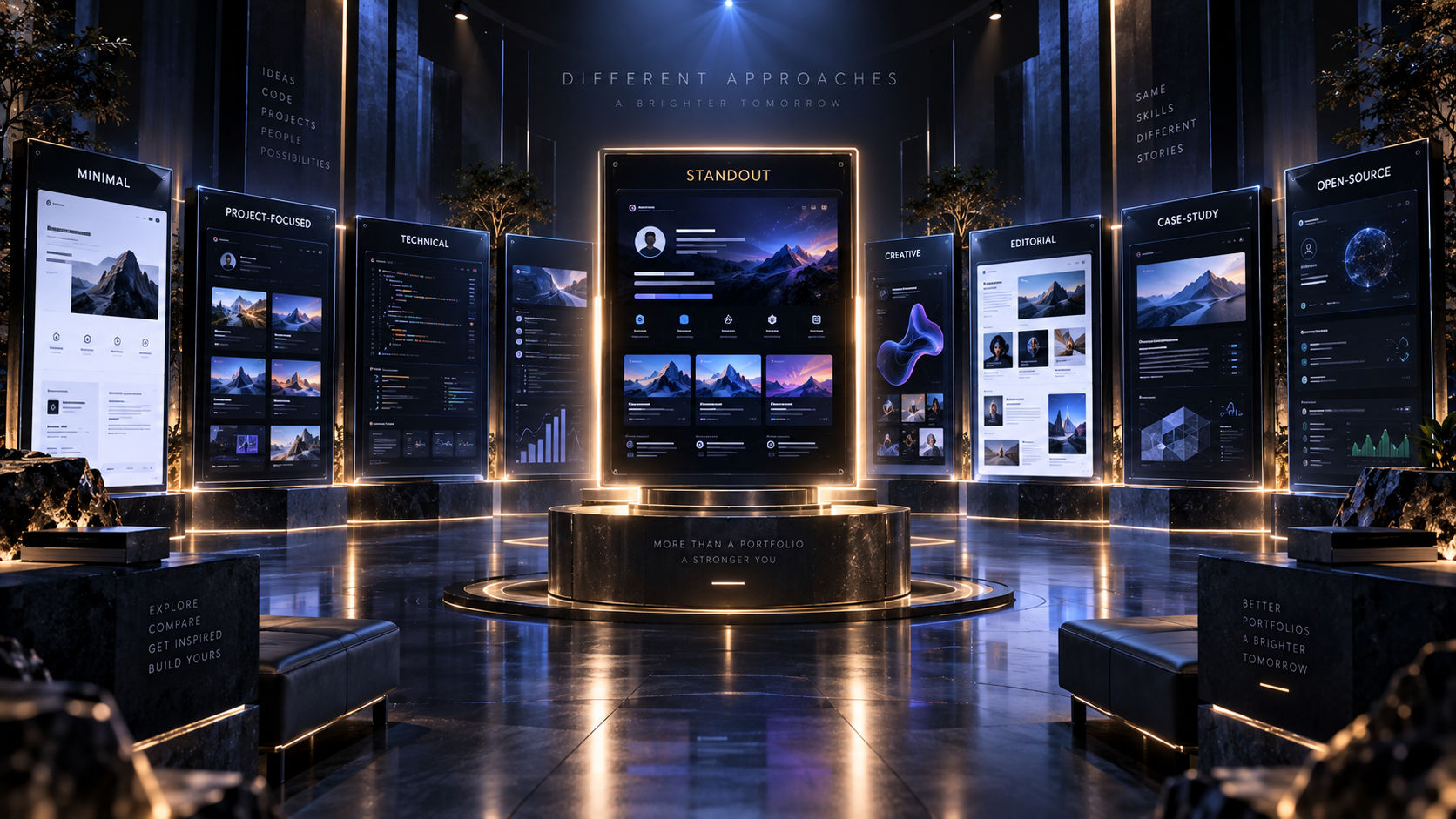
Developer Portfolio Examples: What Makes a Portfolio Stand Out
There are thousands of developer portfolios on the internet.
Some are simple.
Some are highly creative.
Some look like interactive applications.
Others are little more than an online resume.
So what actually makes a developer portfolio stand out?
It's not necessarily the number of animations, the most unusual design, or the longest list of technologies.
The strongest portfolios make one thing easy:
Understanding the developer behind the website.
When someone visits your portfolio, they should quickly understand who you are, what you build, what you're good at, and why your work is worth exploring.
Let's look at what makes a developer portfolio memorable and what you can learn from different portfolio styles.
What Makes a Developer Portfolio Stand Out?
Before looking at specific examples, it's worth understanding the fundamentals.
A strong portfolio usually combines:
- Clear positioning
- Strong projects
- Good visual design
- Useful project descriptions
- Evidence of technical skills
- Easy navigation
- Fast performance
- Consistent branding
- A clear contact path
The exact design can vary dramatically.
The underlying principles don't.
1. The Minimal Developer Portfolio
A minimal portfolio focuses almost entirely on the essentials.
Imagine a homepage with:
Your Name

Full-stack developer building modern web applications.

[View Projects] [Contact]

Featured Projects
────────────────────────

Project One
Project Two
Project Three

Experience
────────────────────────

Company One
Company Two

[Download Resume]
There are few animations.
There aren't dozens of sections.
There isn't a complicated navigation system.
Everything is intentional.
Why It Works
Minimal portfolios are easy to scan.
Recruiters can quickly find:
- Your role
- Projects
- Experience
- Resume
- Contact information
This style works particularly well for developers who want their work to be the main focus.
2. The Project-Focused Portfolio
Some developers make their projects the centerpiece of their portfolio.
Instead of spending most of the homepage explaining who they are, they immediately show what they've built.
A project might appear like:
Project Name
A collaborative productivity platform for distributed teams.
Built with: TypeScript · React · Node.js · PostgreSQL
[Live Demo] [GitHub]
Then a large visual preview follows.
Why It Works
Recruiters and clients often want to see evidence.
A project-focused portfolio gets to that evidence quickly.
This approach works particularly well when you have several strong projects that demonstrate your abilities better than a long introduction would.
3. The Case-Study Portfolio
A case-study portfolio goes deeper.
Instead of:
"Built an e-commerce application."
you get:
The Problem
The existing purchasing experience made it difficult for users to discover products.
The Solution
I redesigned the browsing and checkout flow and implemented a new search experience.
Technology
Next.js, TypeScript, PostgreSQL, Redis.
Challenges
The original search implementation created unnecessary database queries.
Result
The new implementation reduced response times and improved the overall browsing experience.
Why It Works
Case studies demonstrate how you think.
This can be particularly valuable for experienced developers, freelancers, and product engineers.
You're not just showing the final product.
You're explaining the decisions behind it.
4. The Technical Portfolio
A technical portfolio emphasizes engineering depth.
It might include:
- Architecture diagrams
- Technical articles
- GitHub repositories
- Infrastructure details
- Performance metrics
- Open-source contributions
- Engineering decisions
For example:
Project Architecture
Client
  ↓
API Gateway
  ↓
Application Services
  ↓
Cache → Redis
  ↓
PostgreSQL
Why It Works
This type of portfolio can be especially effective for:
- Backend developers
- Infrastructure engineers
- DevOps engineers
- Senior engineers
- Systems engineers
The key is not to overwhelm visitors with technical details.
Give high-level information first.
Then allow technically interested visitors to explore deeper.
5. The Creative Developer Portfolio
Some developers use their portfolio to demonstrate creativity.
You might see:
- 3D interfaces
- Interactive animations
- WebGL
- Experimental navigation
- Creative transitions
- Unusual layouts
This can be memorable.
But there's an important distinction.
Creative doesn't mean complicated.
A portfolio can be visually unusual while still being easy to understand.
When This Style Works
Creative portfolios can be especially useful for:
- Creative developers
- Frontend engineers
- Creative technologists
- Interactive developers
- Designers who code
- Developers working in visual experiences
If you're applying for a backend engineering position, however, a highly experimental visual experience may not provide much additional value.
Match the style to the role.
6. The Editorial Portfolio
An editorial-style portfolio treats your work more like a publication.
It might use:
- Large typography
- Strong visual hierarchy
- Generous whitespace
- Large project imagery
- Structured grids
- Long-form case studies
Projects can feel like articles rather than dashboard cards.
Why It Works
Editorial design makes content feel intentional.
It's particularly useful if you want to combine:
Portfolio + Blog + Personal Brand
You can showcase projects while also publishing technical writing.
7. The Developer + Blog Portfolio
Some developers use their website as both a portfolio and a technical publication.
The homepage might feature:
Featured Projects
Your strongest work.
Latest Articles
Recent technical writing.
Open Source
Selected contributions.
About
Your professional story.
This creates a richer picture of the developer.
Someone can see both:
What you build
and
What you think about
8. The Open-Source Developer Portfolio
If open source is an important part of your career, your portfolio can make it central.
Highlight:
- Projects you maintain
- Contributions
- Pull requests
- GitHub repositories
- Community involvement
- Technical documentation
For example:
Open Source
Library A
10K+ weekly downloads
Library B
Contributor
Project C
Maintainer
This provides public evidence of your technical involvement.
9. The Freelancer Portfolio
A freelancer's portfolio has a slightly different objective.
The visitor isn't necessarily looking to hire a full-time employee.
They're asking:
Can this developer solve my problem?
A freelancer portfolio should emphasize:
- Services
- Previous work
- Case studies
- Results
- Testimonials
- Technologies
- Contact information
For example:
What I Build
Web Applications
Production-ready web applications for startups and businesses.
SaaS Products
From initial MVP to production deployment.
AI Integrations
AI-powered features and automation.
This makes the website more conversion-focused.
10. The Student Developer Portfolio
Students don't need years of professional experience to create an impressive portfolio.
Instead, focus on:
- Projects
- Hackathons
- Coursework
- Open source
- Internships
- Certifications
- Technical interests
A student portfolio might start with:
Computer science student building full-stack applications and exploring AI.
Then immediately show three strong projects.
What Matters Most
For students, projects can provide evidence of ability when professional experience is limited.
A well-explained project can be more useful than simply saying:
"I know React."
What the Best Portfolios Have in Common
Despite their different styles, strong portfolios tend to share the same fundamentals.
1. Clear Positioning
You know what the developer does within seconds.
2. Strong Projects
The work is relevant and well presented.
3. Good Writing
Descriptions are specific rather than generic.
4. Strong Visual Hierarchy
Important information is easy to find.
The website doesn't feel unnecessarily heavy.
6. Mobile Support
The portfolio works well on phones.
There is an obvious next step.
8. Consistency
The website, resume, GitHub, and professional profiles tell the same story.
What Makes a Project Stand Out?
A portfolio can have beautiful design and still fail if the projects aren't presented well.
For every featured project, try to answer:
What is it?
Why did you build it?
What did you do?
What technologies did you use?
What was difficult?
What happened as a result?
For example:
"I built a real-time collaboration platform to explore WebSocket architecture. I designed the frontend state management system, implemented the backend event layer, and added Redis for temporary session data."
That's much more interesting than:
"Real-time app built with React and Node.js."
Show Results Whenever Possible
Results make projects more credible.
Depending on the project, results might include:
- Users
- Performance improvements
- Revenue
- Downloads
- Response time
- Lighthouse scores
- GitHub stars
- Open-source adoption
- Reduced infrastructure costs
For example:
Reduced API response time from 800ms to 250ms.
is much more informative than:
Optimized API performance.
Don't invent metrics.
If you don't have measurable results, explain what you learned or what technical problem you solved.
Don't Copy Portfolio Trends Blindly
A portfolio trend can look impressive online.
Maybe everyone is using:
- Huge typography
- Dark backgrounds
- 3D graphics
- Animated cursors
- Glassmorphism
- Interactive timelines
That doesn't mean you need all of them.
Ask:
Does this help communicate my work?
If yes, use it.
If not, leave it out.
Your portfolio should represent your professional identity rather than whatever design trend is popular this month.
Portfolio Design Should Match Your Career
Different developers can benefit from different approaches.
| Developer | Portfolio Style |
| -------------------- | -------------------------------------- |
| Frontend Developer | Visual + project-focused |
| Backend Engineer | Technical + case-study focused |
| Full-Stack Developer | Balanced projects + technical depth |
| AI Engineer | Project demos + technical explanations |
| DevOps Engineer | Architecture + infrastructure |
| Freelancer | Services + case studies |
| Student | Projects + learning journey |
| Creative Developer | Interactive + experimental |
These aren't strict rules.
They're starting points.
The best design is the one that supports your goals.
Don't Forget the Basics
Even the most creative portfolio needs:
- Responsive design
- Fast loading
- Accessible navigation
- Readable typography
- Working links
- Updated content
- Clear contact information
A visually impressive website with broken links is still an unprofessional website.
Technical quality is part of the portfolio.
Your Homepage Should Answer Five Questions
Within the first few seconds, visitors should understand:
Who are you?
Your name and role.
What do you do?
Your specialization.
What have you built?
Featured projects.
Why should I care?
Evidence of skills and impact.
Clear CTA.
If your homepage answers these questions, you're on the right track.
A Simple Portfolio Blueprint
If you're building your first portfolio, you don't need to copy a complicated design.
Start with:
Homepage
│
├── Introduction
│
├── Featured Projects
│
├── Skills
│
├── Experience
│
├── About
│
├── Articles
│
└── Contact
Then expand when you actually have something worth adding.
How to Make Your Portfolio Memorable
Memorable doesn't necessarily mean flashy.
You can stand out through:
Strong Project Selection
Show work people actually want to see.
Clear Writing
Explain your work better than other developers do.
Unique Perspective
Share how you approach engineering problems.
Consistent Visual Identity
Create a recognizable visual language.
Personality
Let visitors see the person behind the code.
Proof
Use real projects, results, contributions, and experience.
The combination is much more powerful than visual effects alone.
A Portfolio Is More Than a Website
The best developer portfolios aren't simply websites.
They're proof of work.
Your projects demonstrate what you can build.
Your case studies demonstrate how you think.
Your GitHub demonstrates your code.
Your writing demonstrates communication.
Your experience demonstrates professional impact.
Your design demonstrates attention to detail.
Everything contributes to the larger story.
Final Thoughts
There isn't one perfect developer portfolio.
A minimal portfolio can be excellent.
A highly interactive portfolio can be excellent.
A technical portfolio can be excellent.
An editorial portfolio can be excellent.
What matters is whether the website makes your professional strengths obvious.
Don't build a portfolio just because other developers have one.
Build it to answer the questions a recruiter, client, or collaborator actually has.
Who are you?
What can you build?
How do you solve problems?
What have you accomplished?
Why should someone work with you?
Once those answers are clear, the design becomes much easier.
The strongest portfolio isn't necessarily the one with the most impressive effects.
It's the one that makes the developer behind the website impossible to forget.